Digital Experience Monitoring

Monitor your website with real user data and synthetic checks.

Track Core Web Vitals, web performance, and user experience.
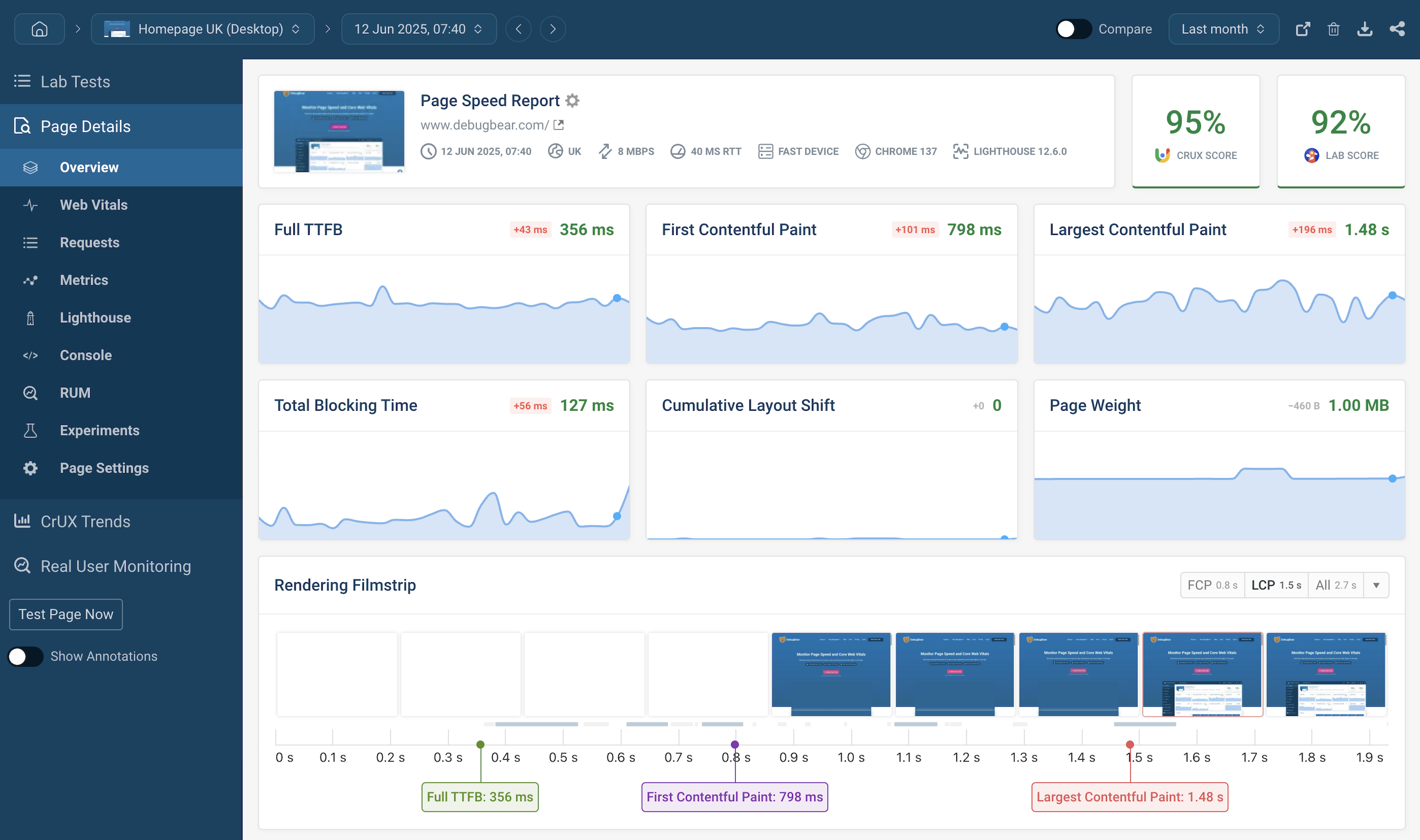
Digital experience monitoring dashboard
”We've updated around 15,000 pages and saw some nice gains from it. "Good URLs" and their impressions have increased 3x since implementation.“

Web performance monitoring user profile picture
Rafayel Begoyan
Senior SEO Specialist
CoinStats logo
”DebugBear has been an eye opener for us and has really shown what's causing the Core Web Vitals issues on our website.

Web peformance monitoring user profile picture
Mandip Ahdan
Head of Engineering
The Independent logo
We help startups, agencies, and enterprises keep their website fast

DebugBear Customers DebugBear Customers

Monitor visitor experience on your website
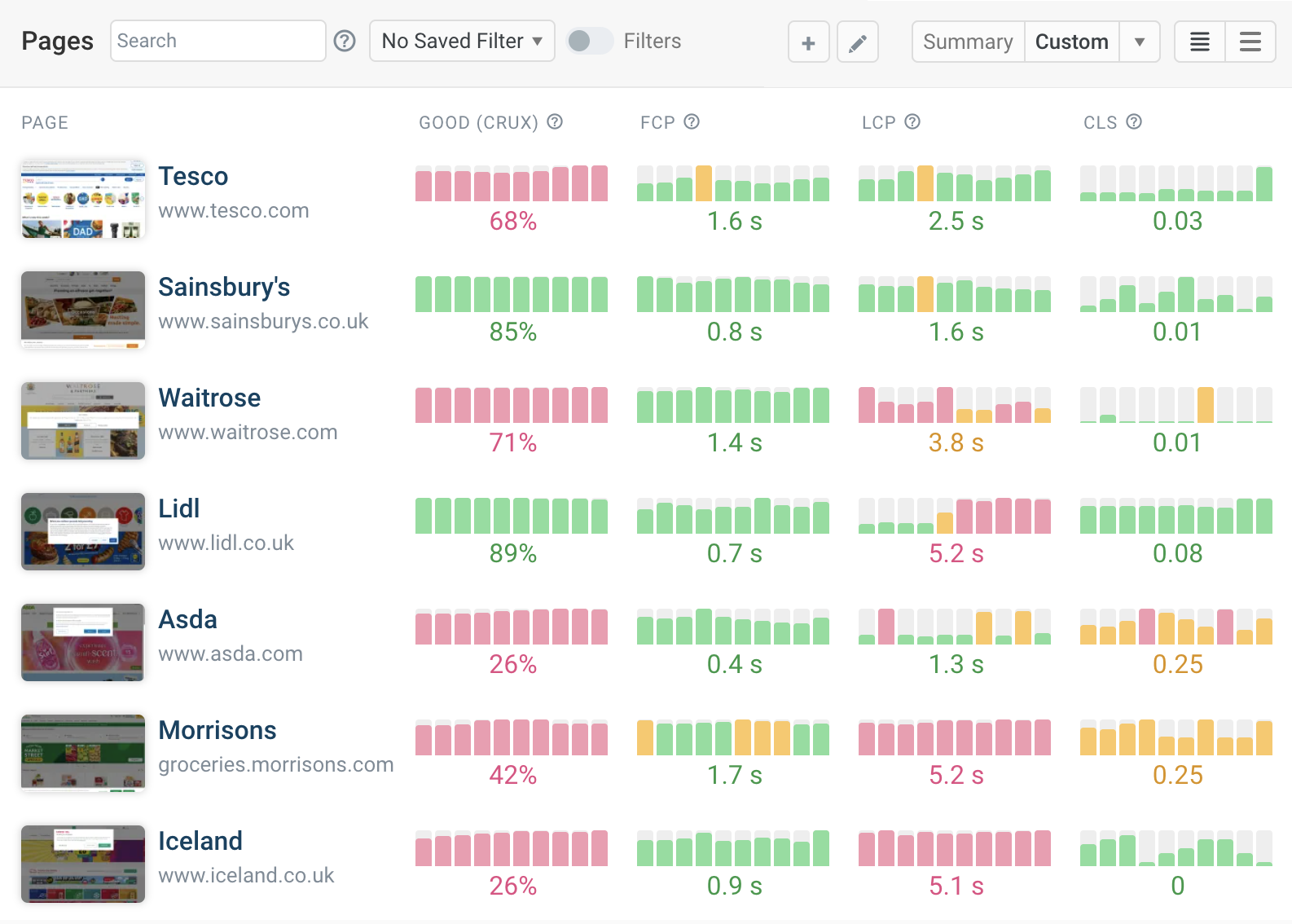
Track Core Web Vitals

Measure the performance metrics that impact user experience and Google rankings. Track LCP, INP, and CLS across your entire website.

Real user monitoring

See how actual visitors experience your website. Identify slow pages, unresponsive interactions, and layout instability.

Synthetic monitoring

Run scheduled lab tests from 30+ global locations for in-depth reporting, detailed recommendations, and regression detection.

Core Web Vitals dashboard

Understand and optimize page load speed
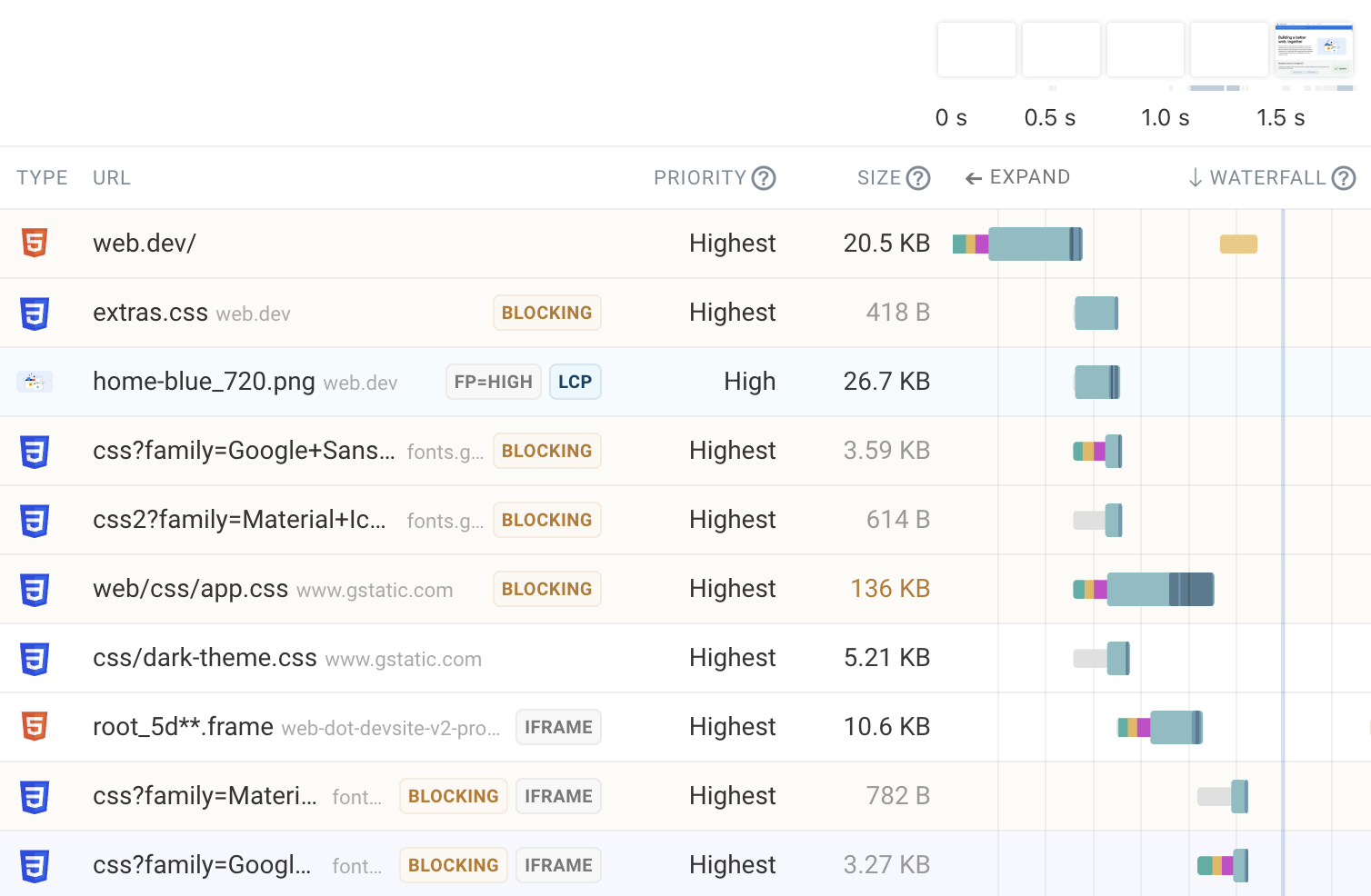
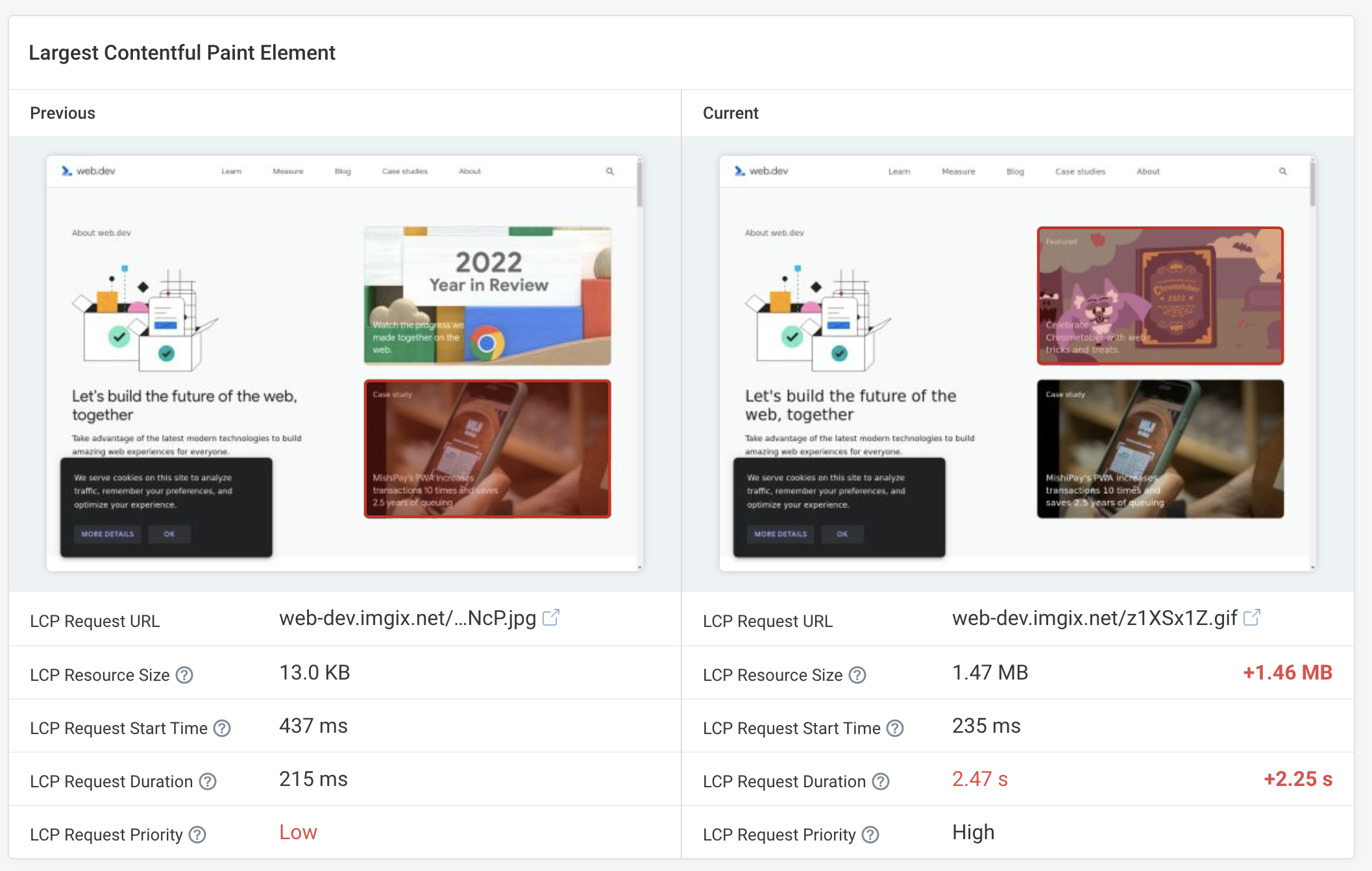
Request waterfall

See exactly what happens when your page loads. Identify render-blocking resources, slow network requests, and CPU bottlenecks.

Tailored recommendations

Get specific advice on how to improve performance, with one-click experiments to measure the impact of optimizations before deploying.

AI agent prompts

Generate ready-to-use prompts for AI coding agents to fix performance issues based on your test results.

Request waterfall and page size changes

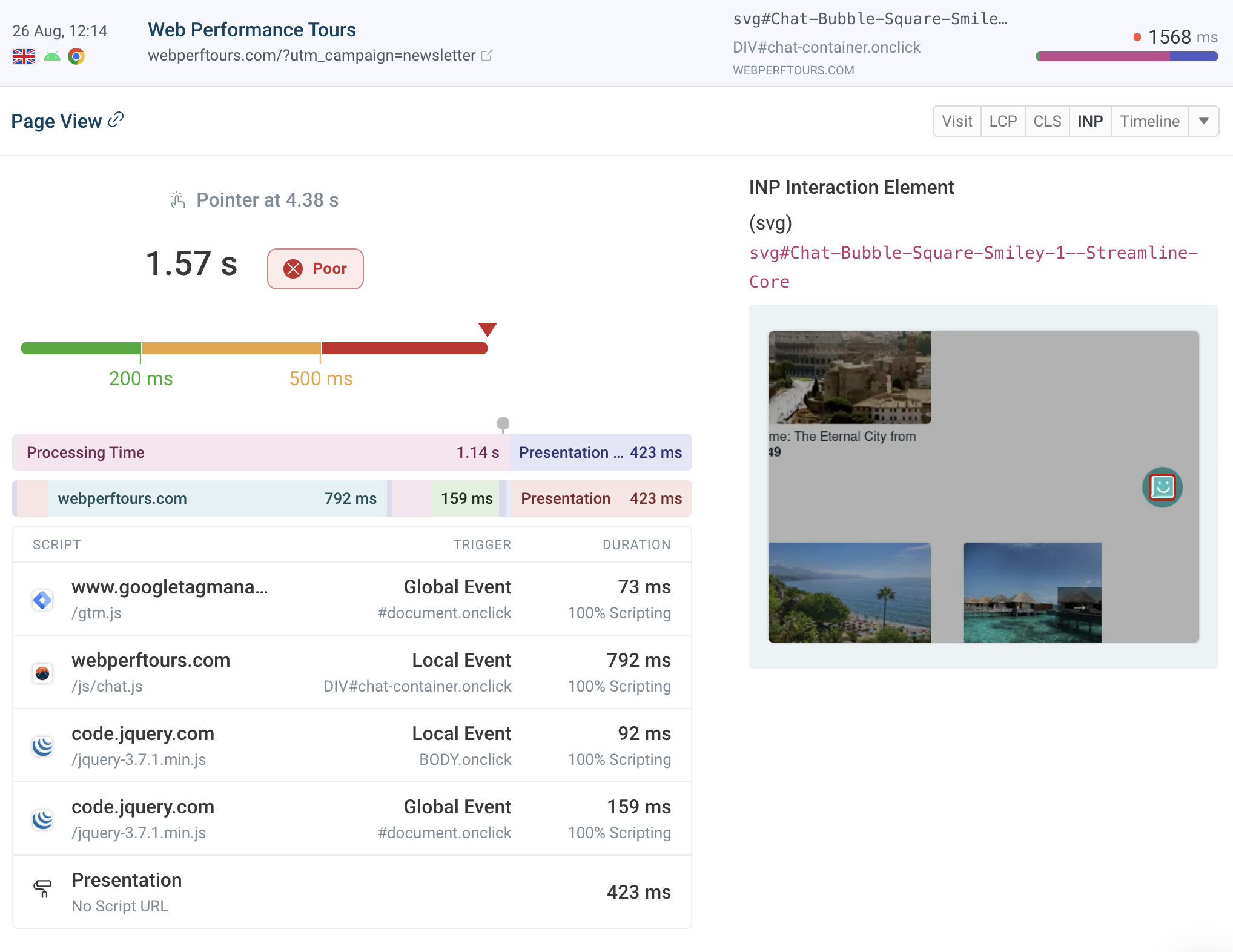
Fix slow user interactions

Identify slow page elements

See what UI elements cause slow interactions for your visitors.

Catch slow scripts

Identify what first-party and third-party scripts cause long tasks and unresponsive interactions.

INP analysis

Check what factors delay interaction responsiveness, including background tasks, event handlers, and presentation delay.

Interaction to Next Paint performance insight

Catch and fix regressions

Automatic alerts

Get notified by email, in Slack, or Microsoft Teams when performance degrades. Use zero-config alerts or set custom thresholds.

Compare test results

See exactly what changed between two test results with side-by-side comparisons of requests, rendering, and metrics.

Catch and fix regressions

Segment and analyze visitor data
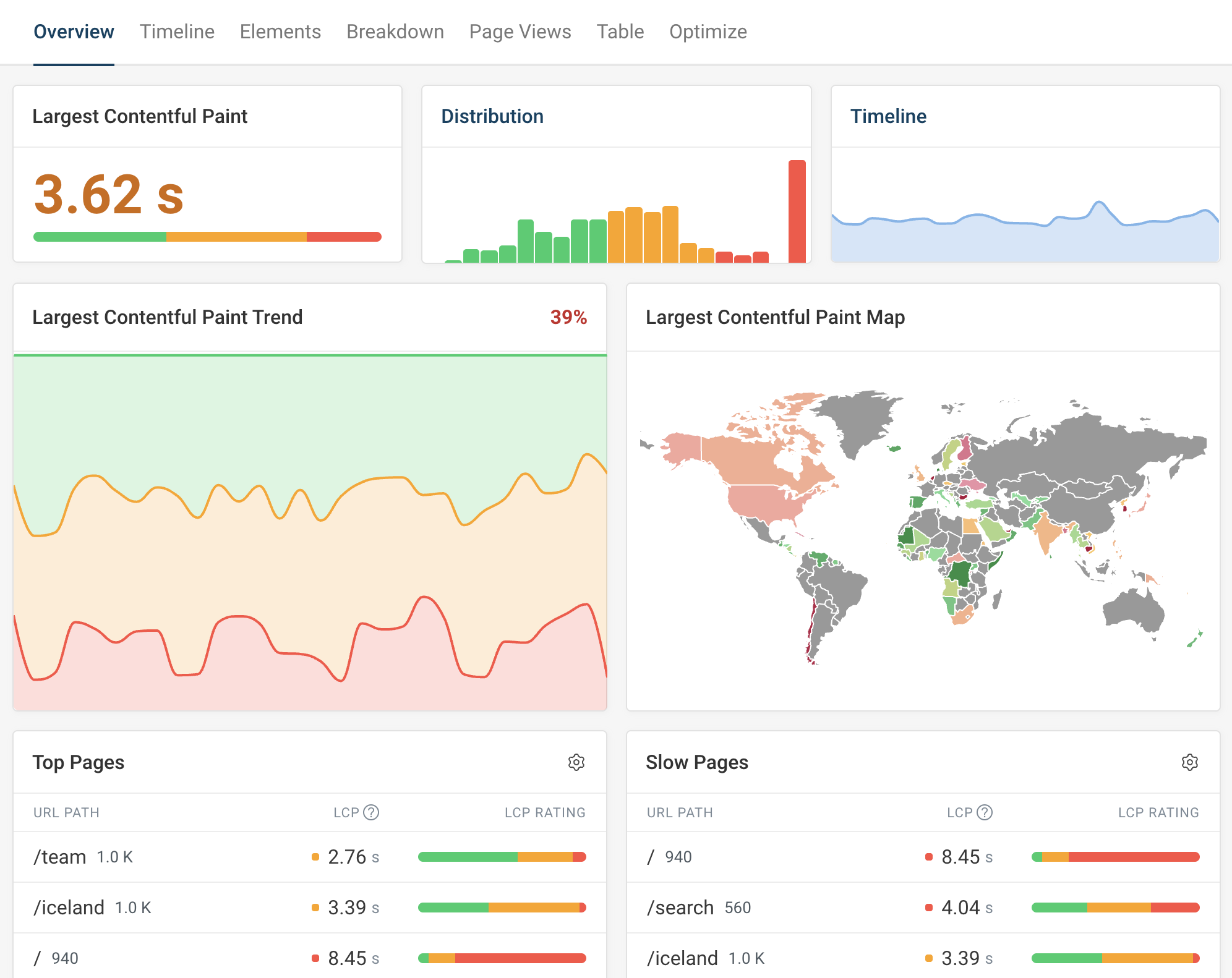
Break down by device, location, and network

Understand how experience differs between mobile and desktop users, fast and slow networks, and visitors in different countries.

Correlate performance with business outcomes

See how web performance impacts bounce and conversion rates. Track custom metrics that matter to your business.

Review individual page views

Check specific visitor sessions to understand exactly what happened during a slow experience.

RUM segmentation dashboard

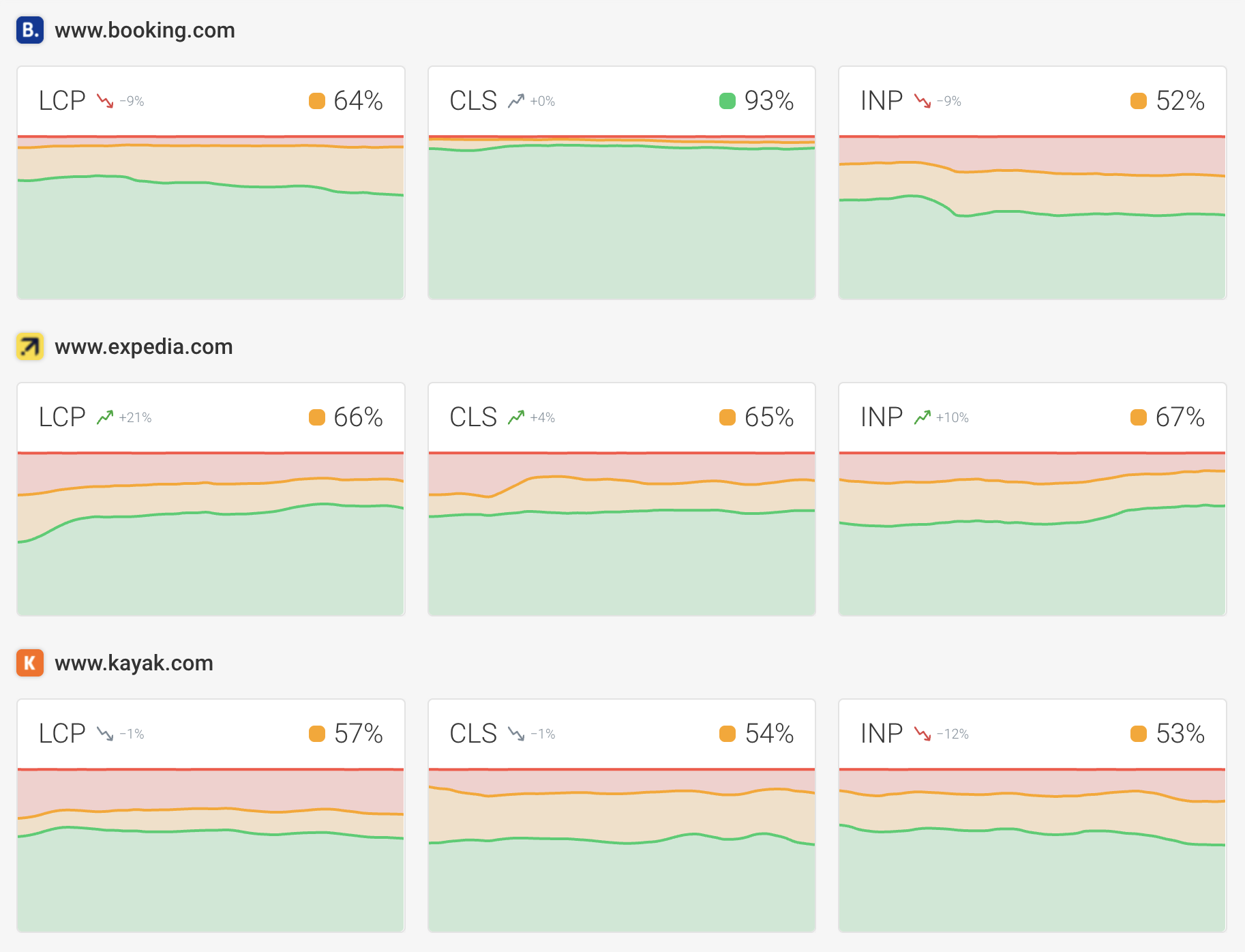
Create an industry benchmark

Competitor benchmarking with CrUX data

Compare your website performance to competitors using real user data from Google's Chrome User Experience Report.

Track long-term trends

Monitor progress over time with 40 weeks of instant historical data. See if you're pulling ahead of the competition.

Industry page speed benchmark

Identify common accessibility and SEO issues
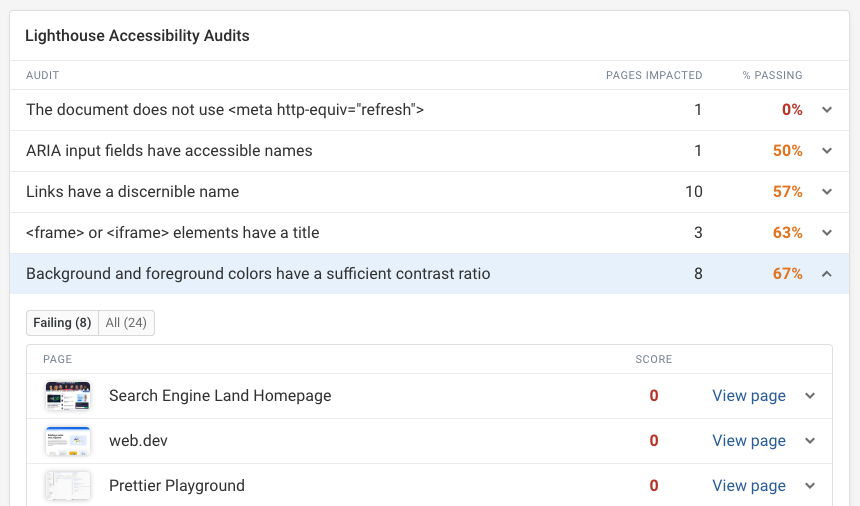
Track Lighthouse audit scores

DebugBear runs Lighthouse accessibility, SEO, and best practices audits as part of every test. Monitor scores over time and get alerted when they drop.

Spot issues across your website

Use the audits dashboard to see which issues are most common across all your monitored pages.

Track changes over time

Compare test results to see when an audit started failing and what changed on the page.

Lighthouse audits dashboard

Hear from our users

The most actionable-info packed page speed visualization available. DebugBear provides unique features that are crucial to debugging complex issues, like request-chain visualization."

Web performance testimonial photo
Robin Marx
Web Protocol and Performance Expert
Akamai logo
”The reporting data is very helpful in pinpointing what causes site speed issues – immediately actionable. It's well above and beyond the info you get from Lighthouse and the performance tests through Chrome.“
Web peformance monitoring user profile picture
Loren McDonald
IT Director
Manncorp logo
”DebugBear delivers the best stats for before and after changes in exquisite detail. It also shows clear and easy to find data for Google's Web Vitals.
Web peformance monitoring user profile picture
Tony Cosentino
Owner at The WP Guy
The WP Guy logo
”DebugBear's alerts are our early warning system. They catch new scripts that could slow us down before they become a problem.”

Web peformance monitoring user profile picture
Ryan Sullivan
Chief of Staff at SiteCare
”We've used several performance monitoring tools, but DebugBear is our favourite because of its clarity, reliability, and attention to Core Web Vitals . We can easily find synthetic testing and real-user data in one place.
Web peformance monitoring user profile picture
Paul Terry
Head of SEO at Paramount Digital
The WP Guy logo

Start Monitoring Digital Experience

No credit card required.

You are using an old browser that is not supported anymore. You can continue using the site, but some things might not work as expected.