Website Uptime Monitoring: A Guide
Website availability is critical for online businesses. If your website is down, customers can't use your services and they can't buy your products.
Uptime monitoring ensures you detect outages quickly. In this article we'll take a closer look at the regular status checks you can run for your website.
What is uptime monitoring?
Uptime monitoring means checking the status of your website or IT system at a certain interval. You can then get alerted whenever there is an outage.
Many uptime monitoring tools also report on website performance, provide incident management functionality, or let you set up public status pages to keep your customers informed.
Types of uptime monitors
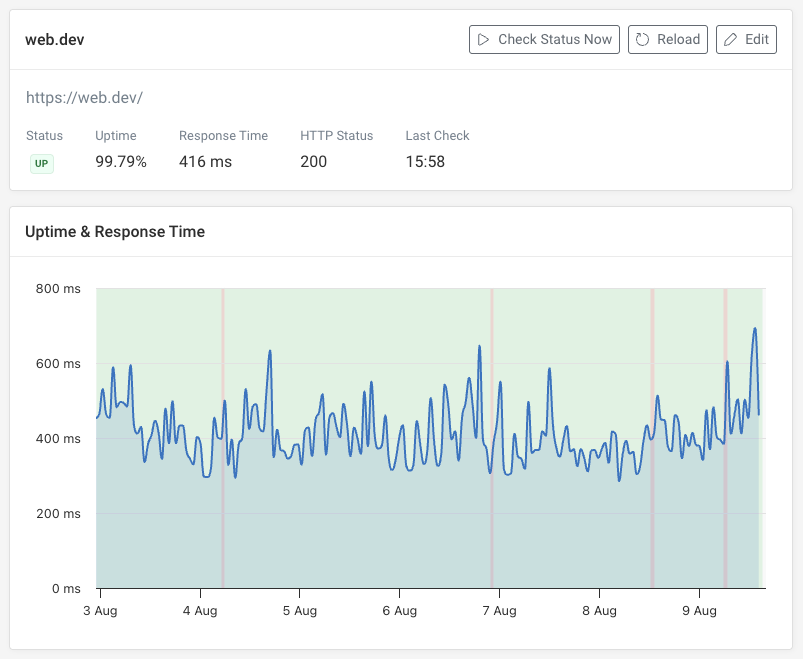
You can run different types of uptime checks to ensure your systems are working correctly. Here are some examples:
- Website status checks: make an HTTP request and validate the response status code
- Keyword monitoring: the same as website status checks, but checking for specific text on the page
- Cron monitoring: make sure that your systems are running scheduled tasks consistently
- API monitoring: check that your server API endpoints are working, for example by validating JSON responses
- DNS monitoring: ensure that DNS lookups work and the records are set correctly
- Ping monitoring: check server availability on a network
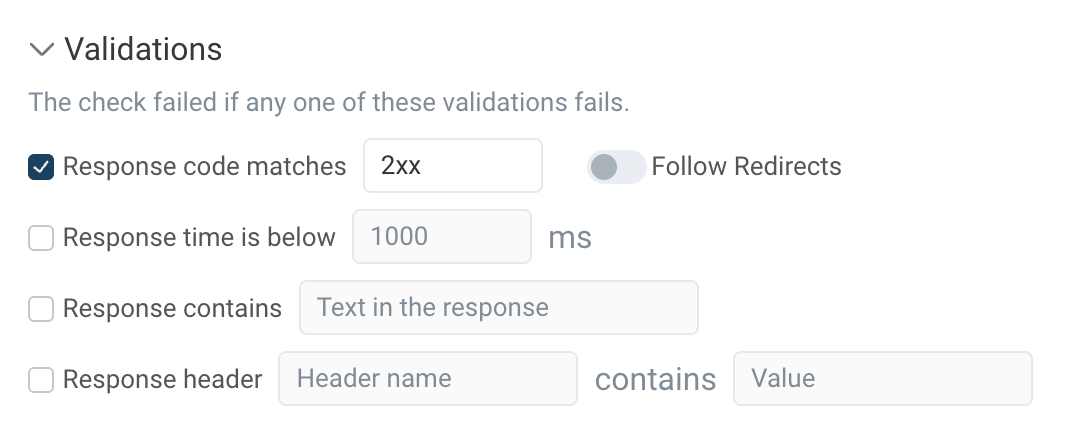
Different tools may categorize these types of checks in different ways. For example, when checking an HTTP request with DebugBear you can check the status code, text content, or server response time all as one monitor.
What issues can uptime checks detect?
Website availability checks can detect common causes of downtime. For example:
- The server returns a 500 error
- A DNS configuration issue prevents the page from loading
- The TLS certificate has expired
- The server isn't accepting connections
You can configure your checks to perform additional validations specific to your website. For example, you could validate your CDN setup by confirming that the CDN adds a response header.
Why uptime monitoring matters
Downtime can cost your business money as customers will go elsewhere if they can't make orders or use your service. Longer outages affect more users and are more frustrating for the visitors waiting for your website to come back up. The quicker you can detect issues and alert the right people, the shorter any outages will be.
When your website is down, search engine and AI crawlers won't be able to index your website. Any money you spend on ads will be wasted, as anyone who clicks on them will just arrive on a broken website.
Uptime monitoring also lets you quantify your website availability. If you know your website was up 99.6% of the time last month you can then use that number internally to work on improvements or externally as part of Service Level Agreements (SLAs) with your customers.
Uptime monitoring vs synthetic monitoring
Uptime monitoring focuses on high-frequency surface-level checks of your website. In contrast, synthetic monitoring checks run less frequently, but provide more detailed reporting. For example, synthetic tests can perform detailed page speed analyses and collect a video recording of your website as it loads.
Use uptime checks to get alerted quickly to outages. Synthetic checks are great for detailed page speed analysis and optimizing end user experience.
How to set up uptime monitoring
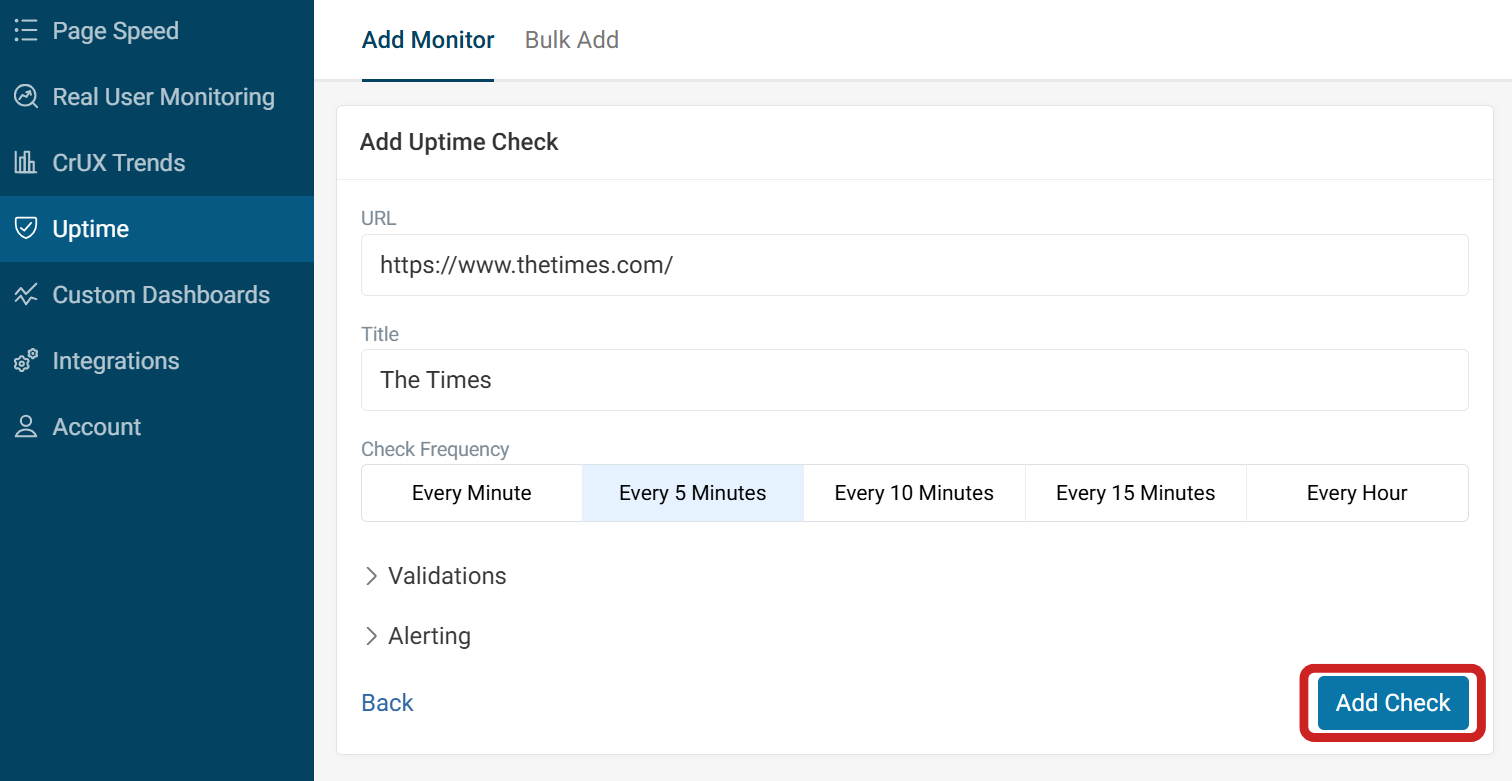
On DebugBear you just need to provide your website URL to set up checks. You can also customize the check frequency, response validation criteria, and how quickly an alert is triggered.
You can then configure alerts to be sent over email, or through another channel like Slack.
What URLs should you monitor?
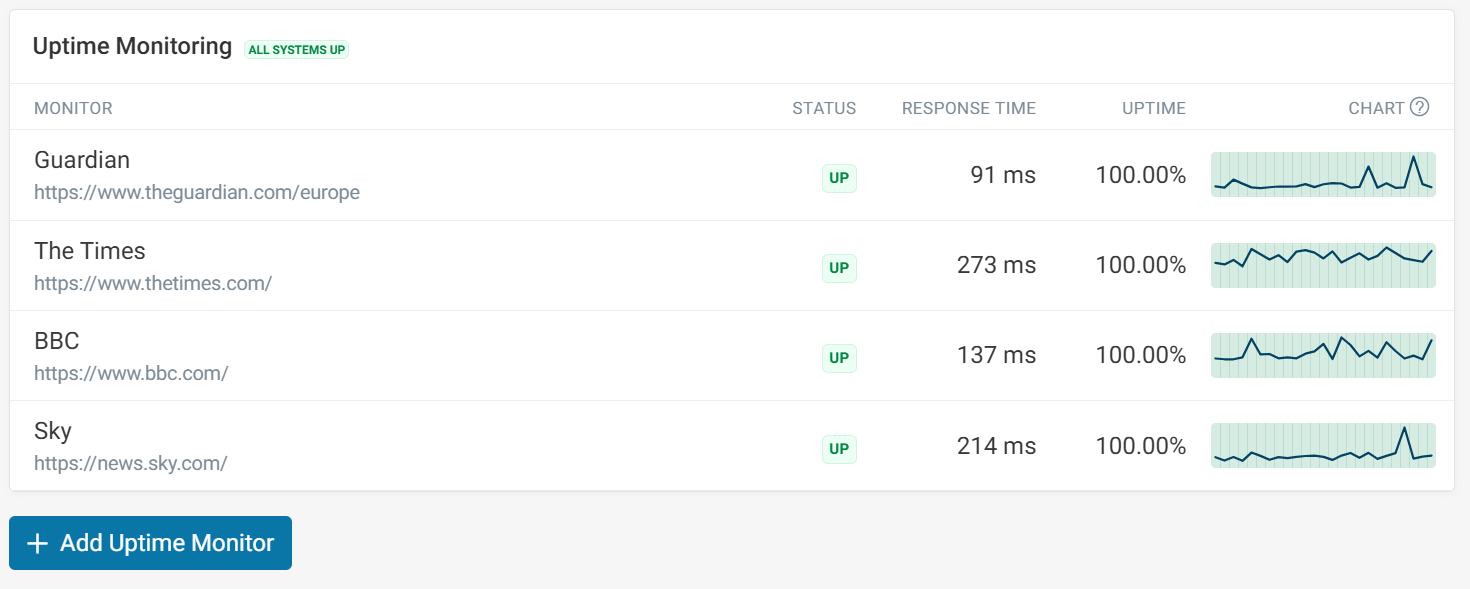
Make sure to keep track of the most important pages on your website. Consider which ones depend on different systems that could experience an outage:
- Monitor your homepage to ensure your marketing website is accessible
- Monitor application pages like product listings or website dashboards
- Check that other important systems are working, for example documentation pages or your blog
Investigating an incident
When a check fails, the first questions are usually when it started, whether it's still happening, and what changed. Each monitor keeps a history of its check results and a list of past incidents with their start and end times and the failure that caused them, such as a 403 response.

Get started with uptime monitoring
Uptime monitoring alerts you to issues that need attention right now. DebugBear offers uptime monitoring as part of its broader suite of website monitoring tools, ensuring comprehensive coverage of website availability and performance. It combines uptime monitoring, synthetic testing, and real user monitoring in one place, so availability alerts and page speed data sit alongside each other.
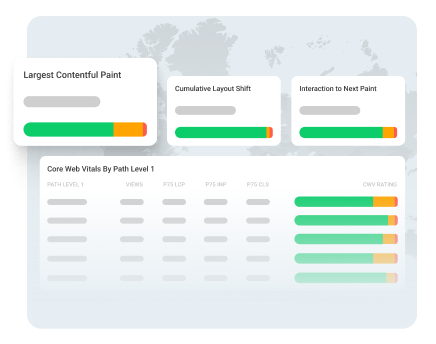
Monitor Page Speed & Core Web Vitals
DebugBear monitoring includes:
- In-depth Page Speed Reports
- Automated Recommendations
- Real User Analytics Data