Lighthouse: llms.txt does not follow recommendations
The new Agentic Browsing category in Lighthouse includes an audit that checks if your website has an llms.txt file and if that file follows the recommended structure.
What is llms.txt?
llms.txt is a proposed standard for websites to publish a Markdown file at /llms.txt that provides information about the site to AI agents and crawlers.
The file is intended to give large language models a concise, structured summary of the most important content on a site, along with links to relevant pages. The file can provide key information about the website structure without using up the context window to process a large amount of website content.
Note that llms.txt is not currently widely adopted by AI services. It's therefore doubtful whether adding the file has any practical benefit for your site at this time.
How to validate your llms.txt file with Lighthouse
This new audit was added to Lighthouse in version 13.3.0, so it's not always included in the report. To check it you can use our free website grader or install Lighthouse with npm and run it from the command line on your computer.
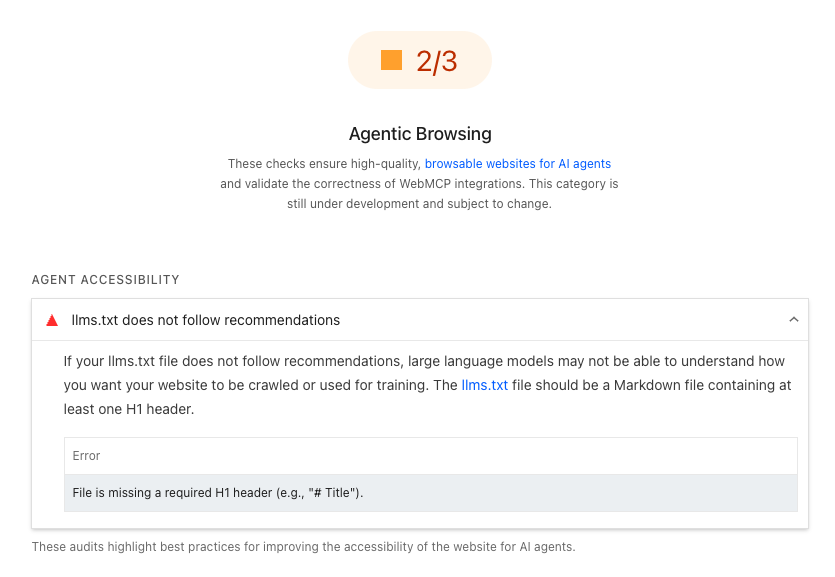
What does this audit check?
If your website provides an llms.txt file, Lighthouse checks that:
- The file contains an H1 header
- The file is not too short
- The file contains at least one link
The audit will fail if any of these recommendations are not followed.
File is missing a required H1 header (e.g., "# Title")
According to the llms.txt format description, a valid file must include an H1 header.
An H1 with the name of the project or site. This is the only required section
Markdown uses the # character for headings, so the top of your file could look something like this:
# Household Widgets

> The household widgets website provides information on the best widgets for
> your home as well as an ecommerce store where you can buy them.
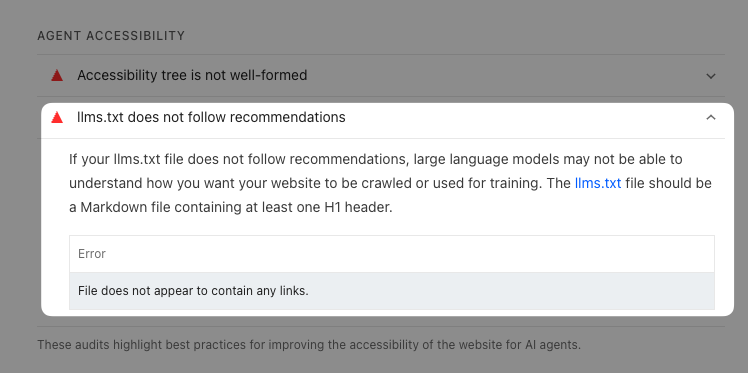
File does not appear to contain any links
Lighthouse also checks whether your llms.txt file contains links to specific resources on your website.
Importantly, these need to be Markdown links to pass the audit! If you just include URLs without using the Markdown link format, the audit will fail.
Markdown links use this format: [link text](URL). Here's an example:
## Buy widgets on our website

To buy widgets, visit our [online store](https://example.com/store).
File is suspiciously short
If your file is shorter than 50 characters, Lighthouse also flags this as an issue.
A very short llms.txt file suggests that the file does not provide enough information about the website to be useful for AI agents.
Monitor agentic browsing and other Lighthouse scores
If you want to pass Google's Lighthouse report and keep your website fast, DebugBear can help you continuously check your website for problems.
For example, you can easily scan your entire website for commonly failing audits.
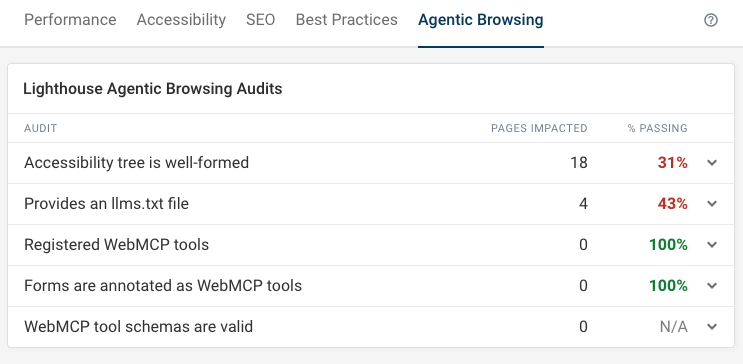
On top of running scheduled Lighthouse tests, you can also get in-depth real user Core Web Vitals data to see how fast your website is for your users and identify pages you need to optimize.
Sign up for a free trial to optimize your Lighthouse scores and visitor experience.
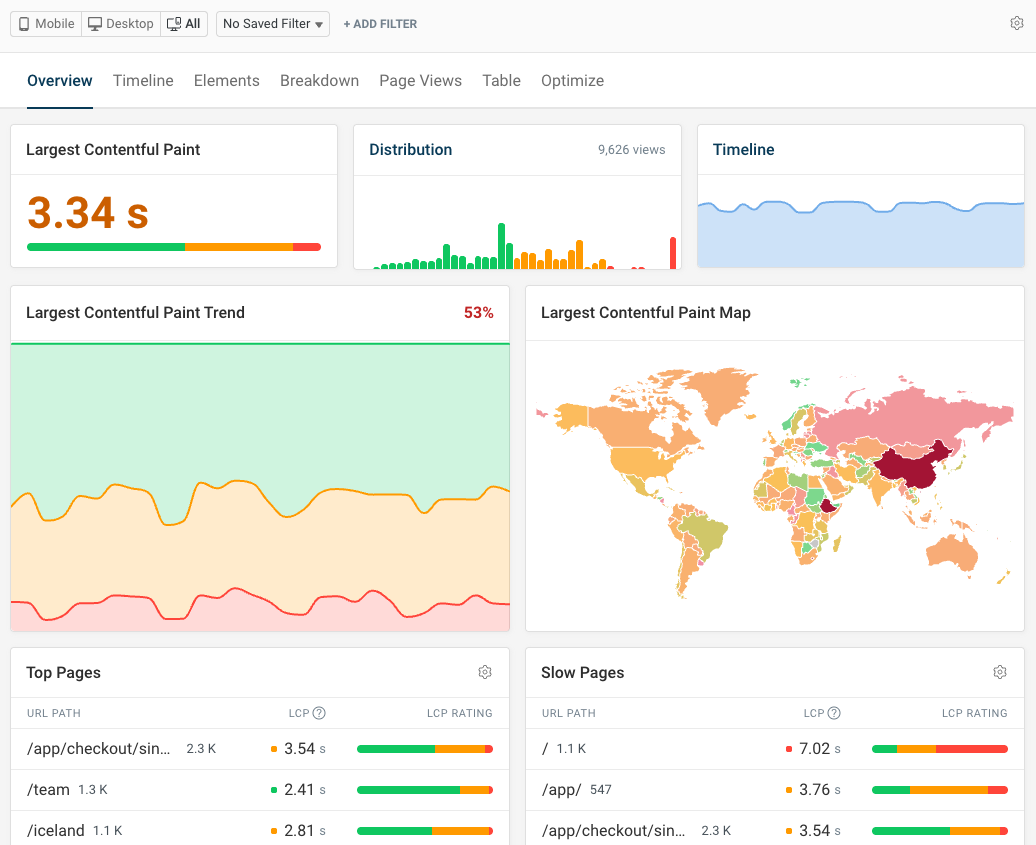
Monitor Page Speed & Core Web Vitals
DebugBear monitoring includes:
- In-depth Page Speed Reports
- Automated Recommendations
- Real User Analytics Data