Lab Test Settings
In the project settings you can set the project name and other project-wide settings. You can also configure metric groups here.
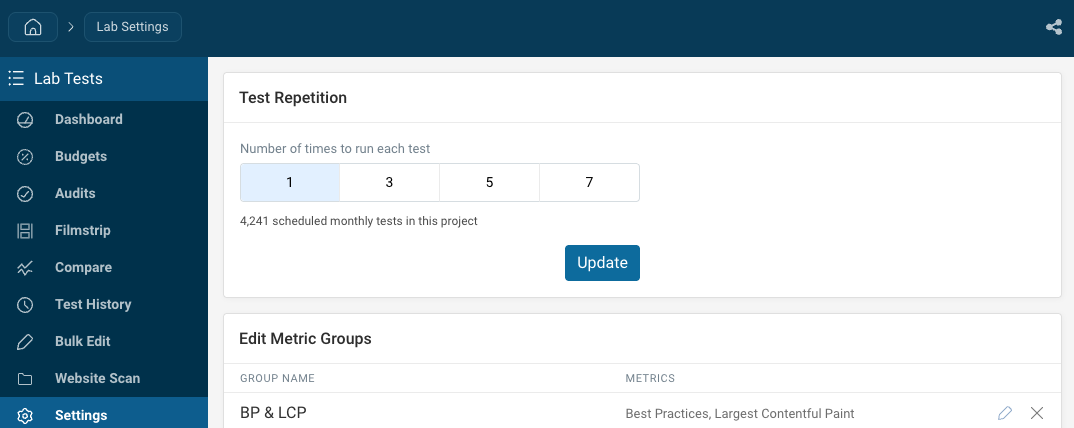
Number of times to run each test
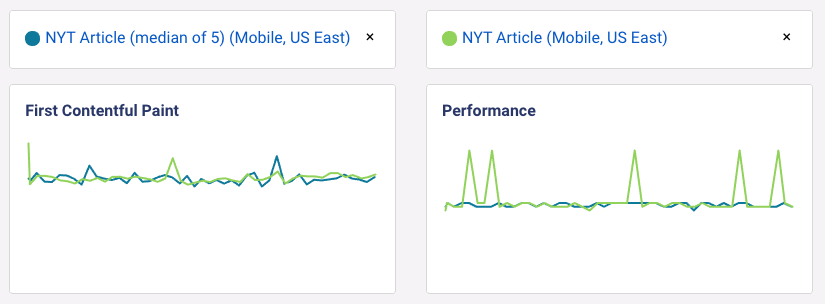
To reduce variability between results, DebugBear can run tests multiple times and select the median result. The other results will be discarded.
By default tests are only run once. You can choose to run each test 1, 3, 5, or 7 times. The options are all odd numbers so there's always a single middle result.
Running each test more than once multiplies how much of your test quota the project uses: at 3 runs a page tested daily uses 3 tests a day rather than 1. The settings page shows the projected monthly usage for the project as you change the setting.
How is the median result selected?
The median result is currently selected based on the First Contentful Paint and Largest Contentful Paint metrics. The algorithm used is similar to the median-run algorithm used by Lighthouse.
How to rename a project
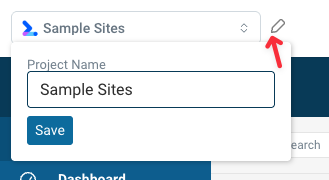
To rename a project, click on the pencil icon to the right of the project selector.