RUM Alerts
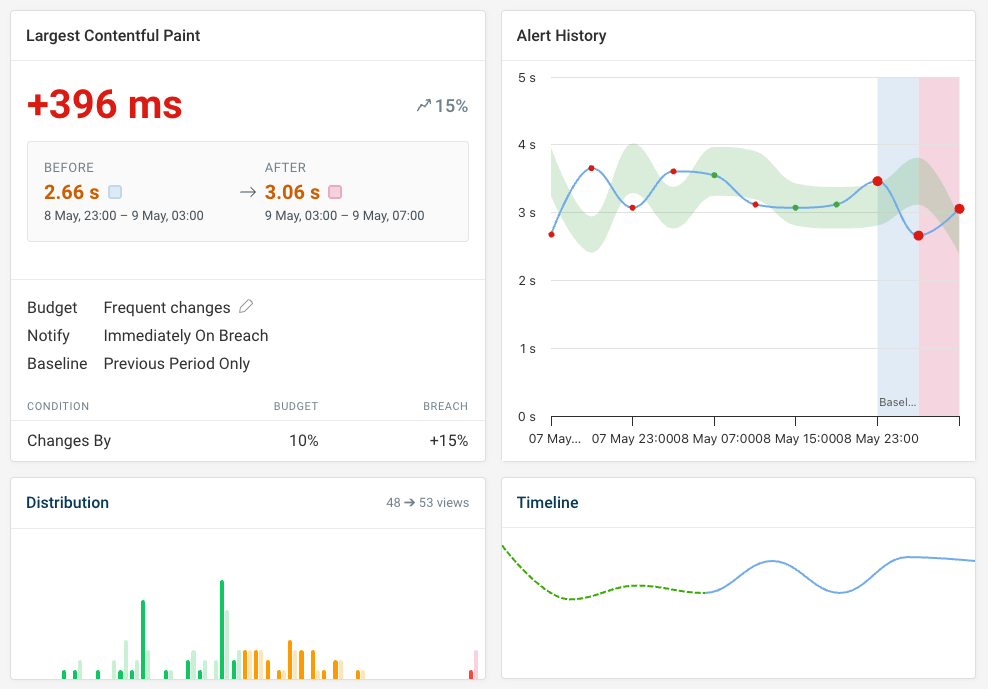
RUM alerts notify you when real user monitoring metrics change on your website.
When are RUM alerts sent?
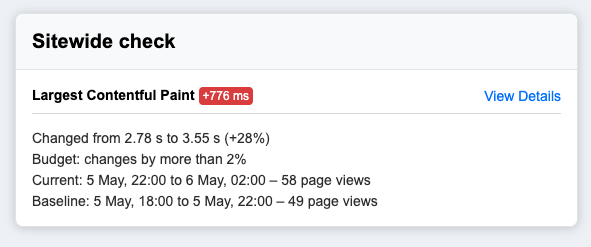
RUM alerts are sent when a RUM budget is breached, or when an automatic alerting threshold is exceeded.
You can set up budgets for different metrics, time intervals, and visitor segments.
Set up RUM notifications
Every project has RUM email alerts pre-configured. To send RUM alerts to Slack or Microsoft Teams, add a new notification channel.
- Open the Integrations tab in your project dashboard
- Click Add to Slack or Add to Teams
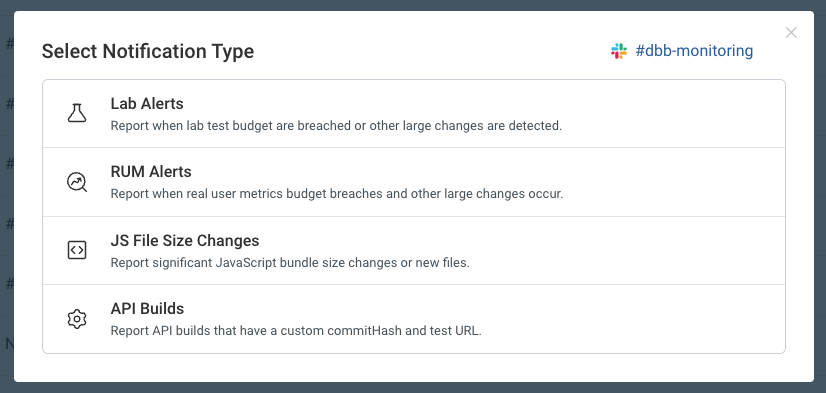
- Select RUM alerts as one type of notification trigger
If you already have a channel set up you can click Add Notification Trigger to start sending RUM notifications to the channel.
Debug metric changes
Click the link in your notification message to get more detail on what changed between the before and after intervals.