Quick Tests
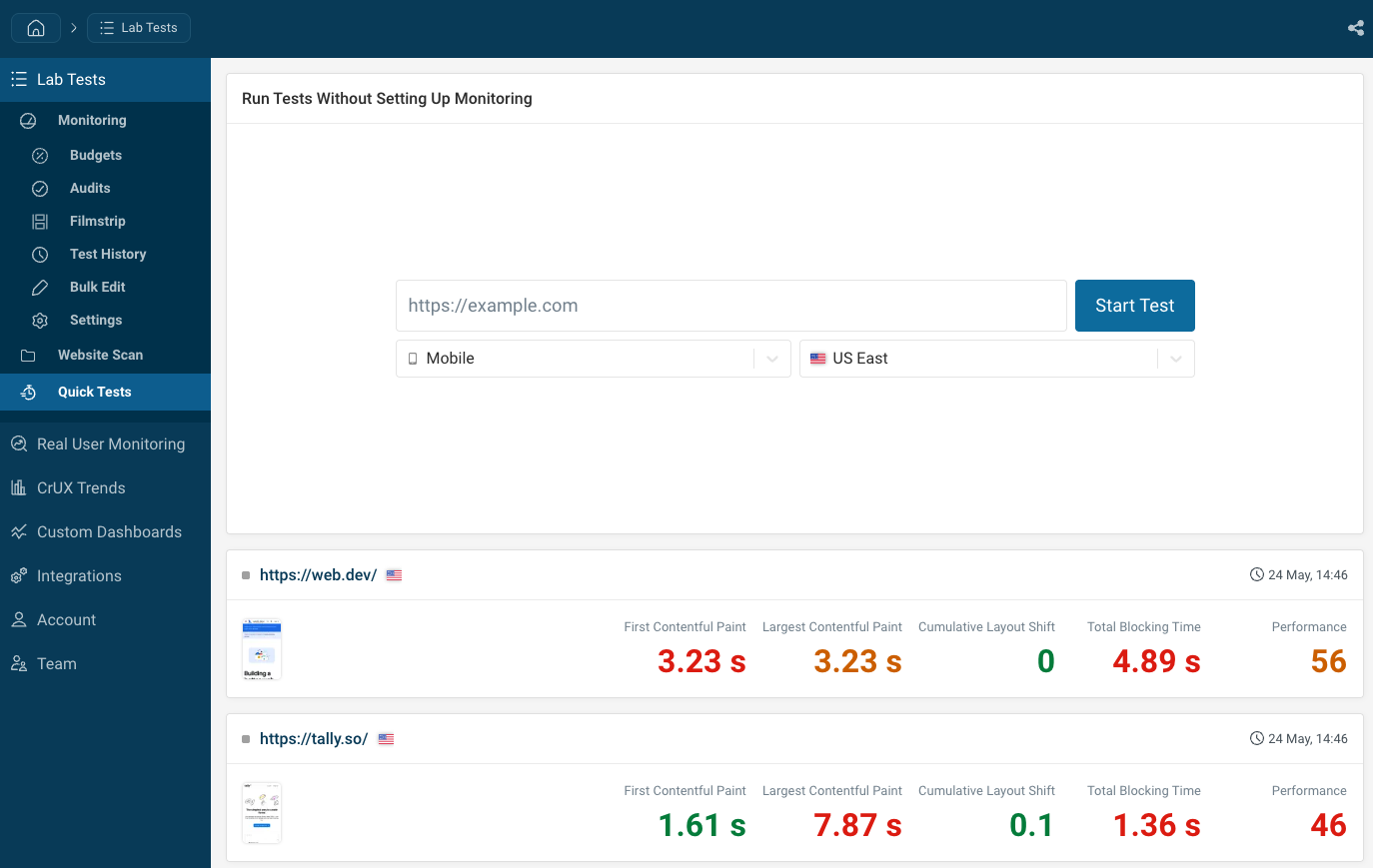
Quick tests let you run a one-off page speed test against any URL without adding the page to your project's monitoring dashboard.
Each result is accessible at a unique shareable URL.
Running a quick test
- Open your project
- Click Page Speed in the sidebar
- Click Quick Tests
- Enter the URL you want to test
- Click Start Test
The result page appears once the test finishes.
You can also use the API to trigger quick tests programmatically, including in bulk.
Selecting a test device and region
You can use the normal devices that you've already set up for your project.
For quickest results, run your test in the US East region.
Sharing results
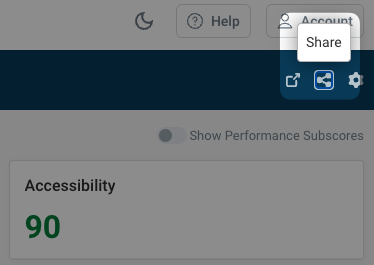
Simply share the test result URL, or access it through the share button.